You and your favorite person.
Bring a friend or your partner into the orange studio. Two familiar faces, one shared mic.
Your everyday duo
Make your own duoReference images
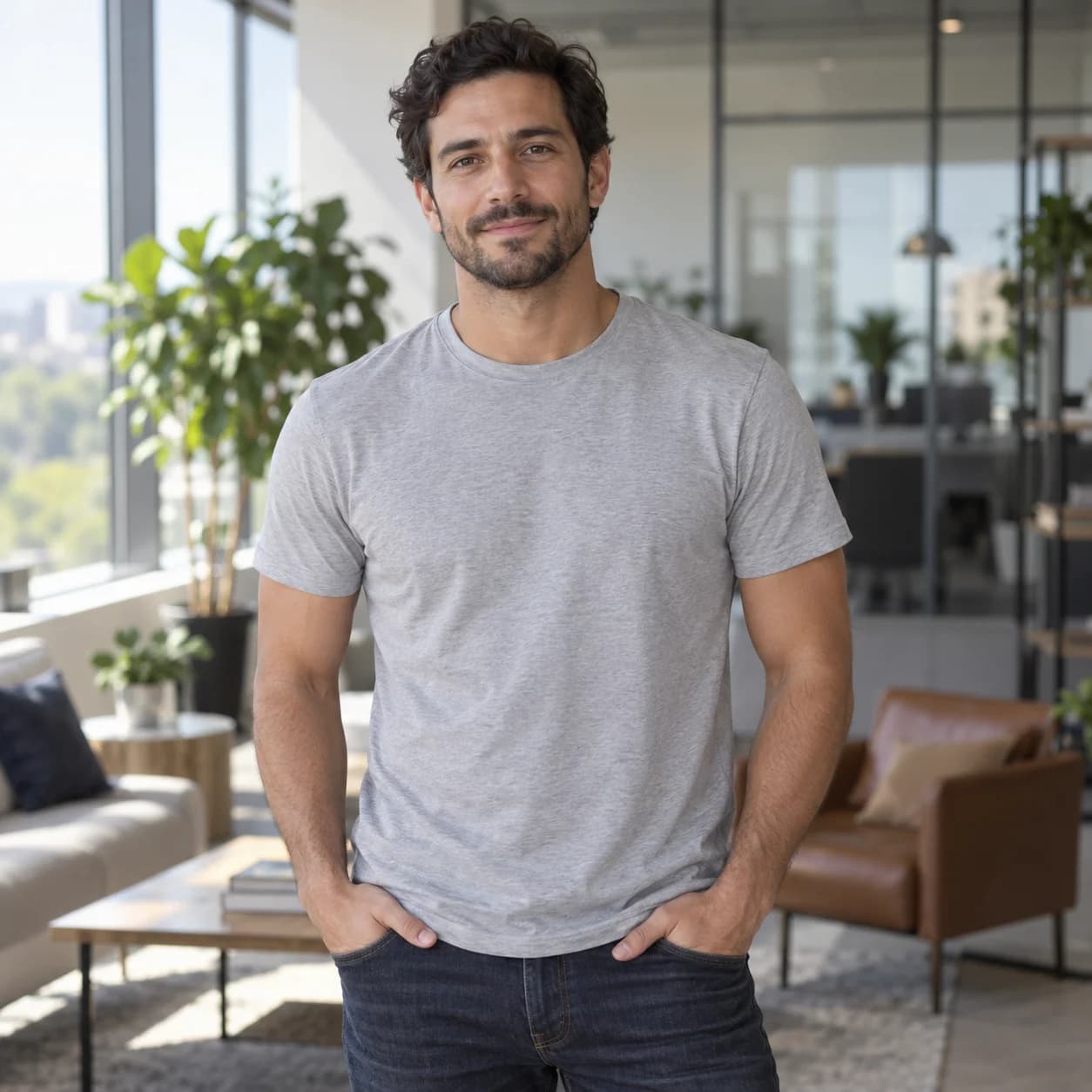
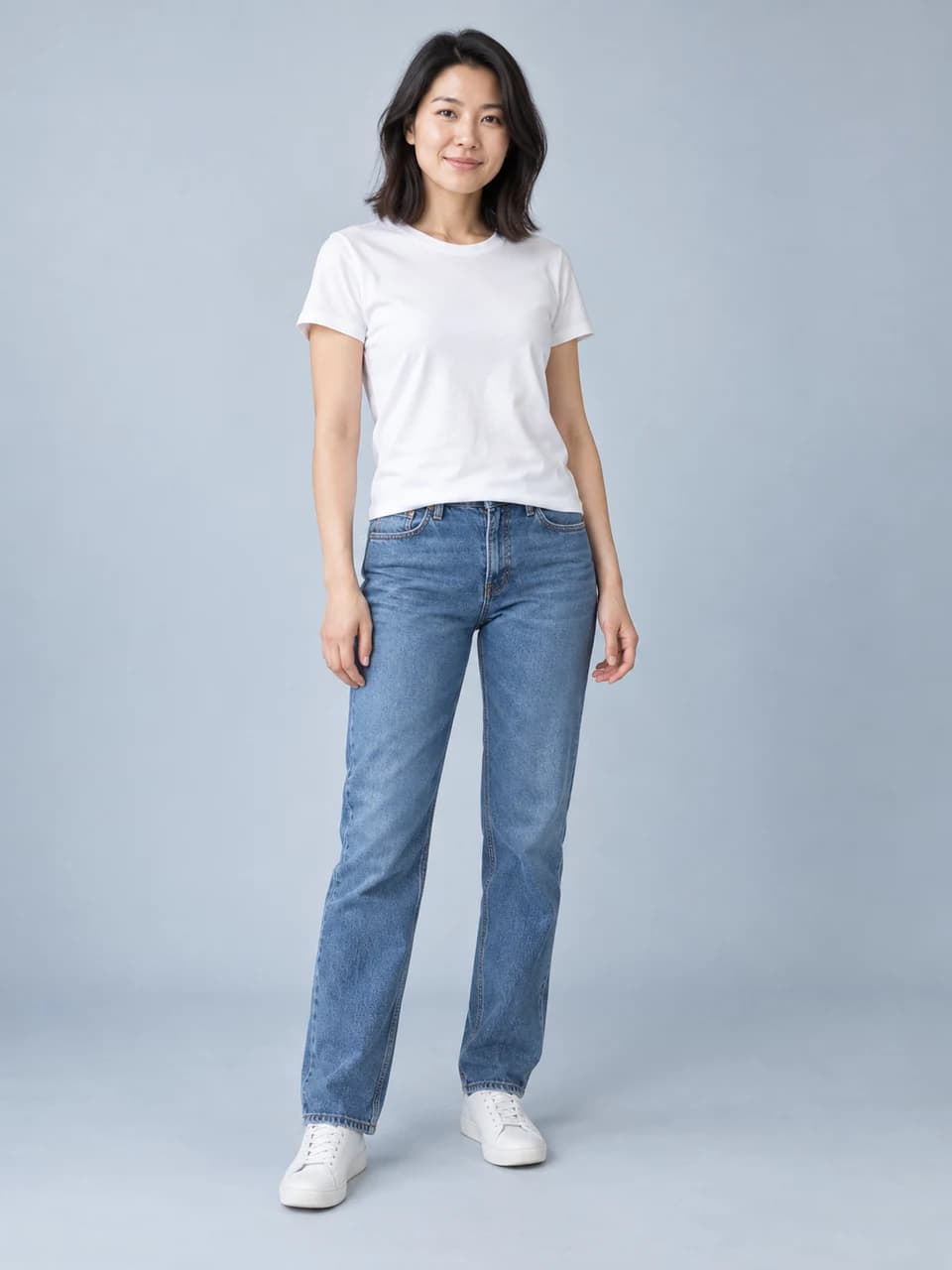
 Hotel Lobby AI
Turn two photos into your own Hotel Lobby rap duo.
You and your partner. One mic. The orange studio.
No prompts to write. One video for $3.99.
One adult per photo. JPG, PNG or WebP, up to 10 MB each.
Failed generations return your credit.
Watch the full clips. See the source photos beside each performance.
Bring a friend or your partner into the orange studio. Two familiar faces, one shared mic.
Your everyday duo
Make your own duoReference images
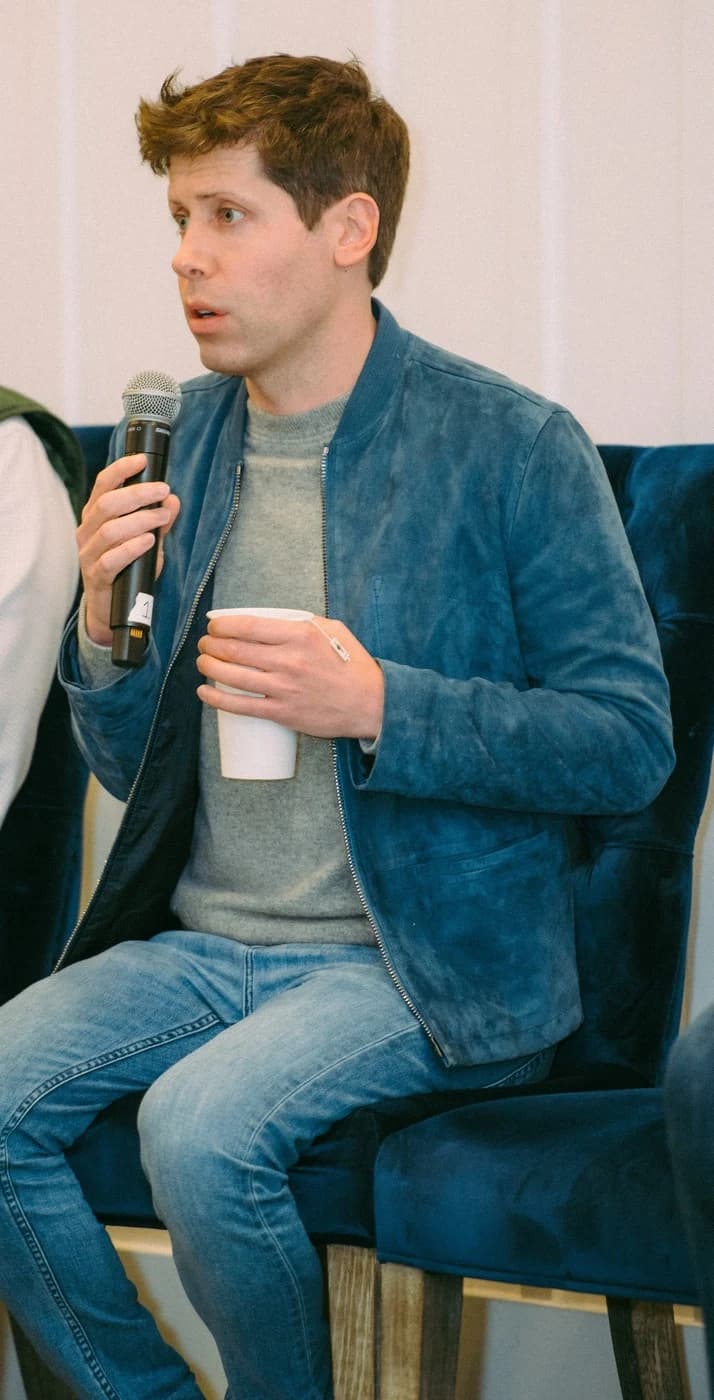
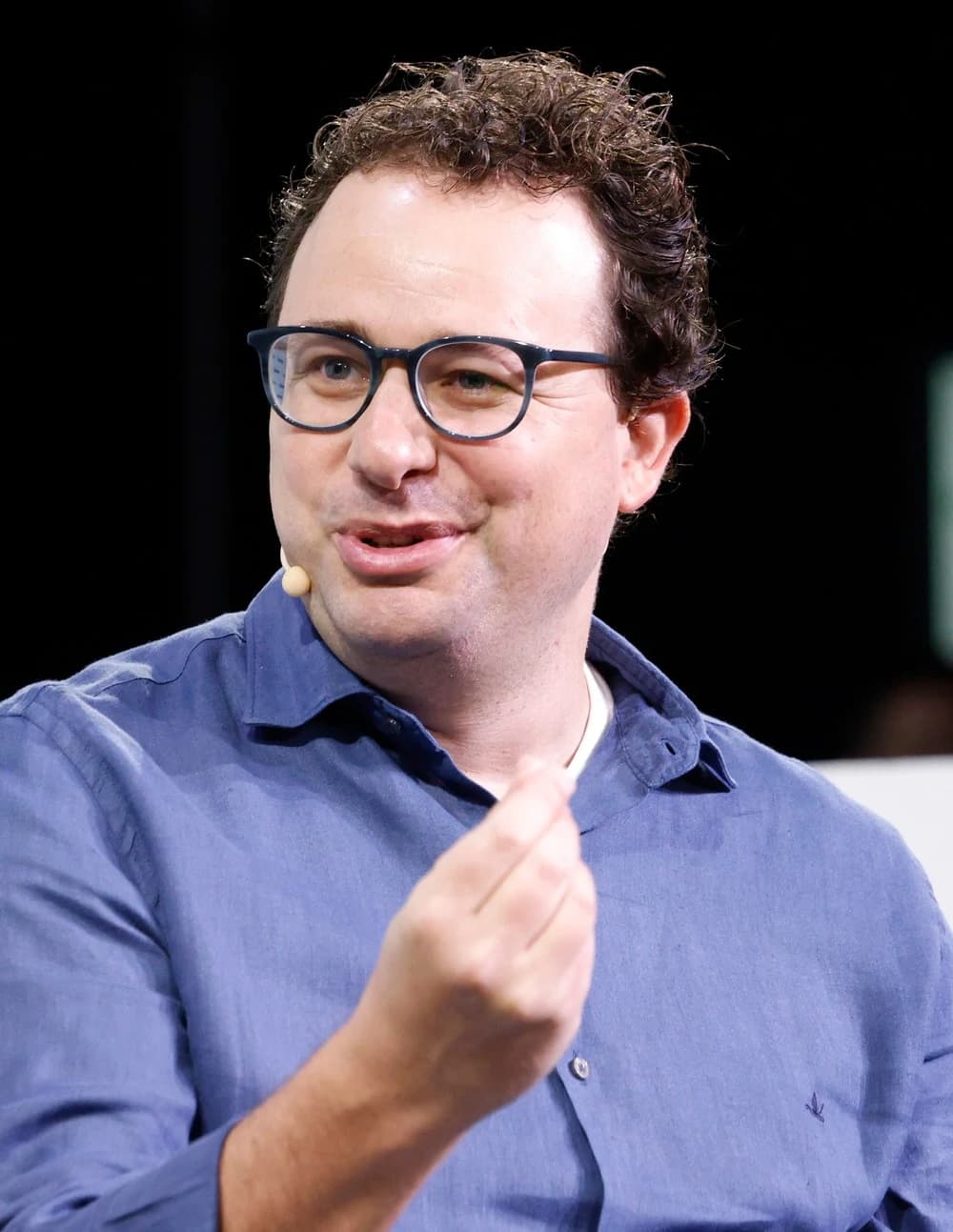
Sam Altman and Dario Amodei trade the keynote stage for the orange booth. OpenAI meets Claude at the mic.
Sam Altman × Dario Amodei
Make your own duoReference images
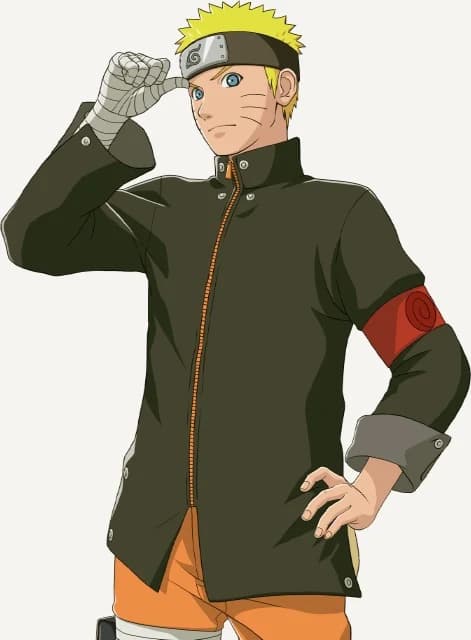
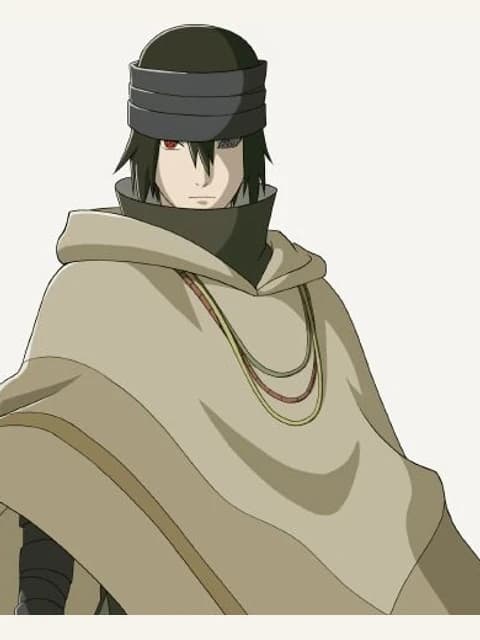
Naruto and Sasuke take their rivalry into the booth. Keep the familiar characters, give them a new performance.
Naruto × Sasuke
Make your own duoReference images
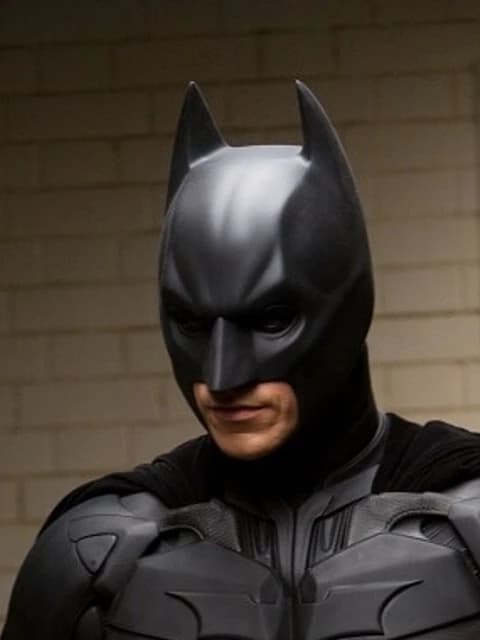
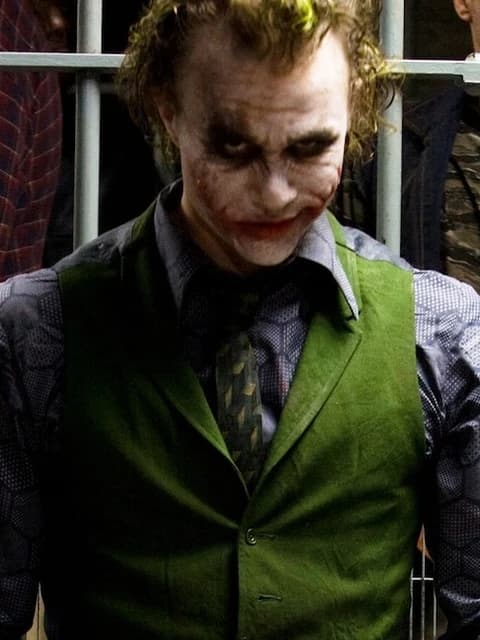
Bring two movie rivals into the same performance. Batman and the Joker keep their original movie setting.
Batman × The Joker
Make your own duoReference images
Start with the friends example for the two-photo orange-studio effect. The character and movie clips are separately prepared creative examples; the upload tool is built for adult portraits.
Sam Altman photo by Village Global. Dario Amodei photo by TechCrunch. Both CC BY 2.0, cropped and resized. Videos are AI adaptations.
Naruto and Sasuke artwork from Bandai Namco. Batman and the Joker film stills from DC. Cropped and resized.
The orange booth, two performers, and a hanging mic come from Quavo and Takeoff's Hotel Lobby performance on A COLORS SHOW. The AI trend changes the cast. Here, you choose the duo and we turn your photos into a new performance in that studio style.
Upload your photo for the left performer and your partner's for the right. Use one adult in each picture. The Hotel Lobby AI template brings the pair into the same orange studio, so you can start with photos taken in different places.
Pick portrait for TikTok or Reels, or landscape for a wider frame. Sign in and use one video credit to start. The scene and performance are already set: no prompt, motion clip, or editing timeline to prepare. Generation usually takes a few minutes.
Preview the complete 10-second performance, then save the MP4. Your Hotel Lobby video downloads without audio. Add a track from your posting platform's licensed library, or audio you have permission to use, before sharing the finished clip with your partner.
Choose two separate portraits, with one adult in each. A clear, front-facing face gives the AI more to work with. Good light and a waist-up or full-body view help it pick up the outfit as well.
You do not need matching backgrounds or a photo together. Use your own pictures, or ask your partner for one. Skip group shots, sunglasses, heavy beauty filters, and faces hidden behind a phone.
Choose your photosA 10-second Hotel Lobby AI video for each credit.
No subscription to cancel.
$3.99USD
$3.99 per video
Try it with your favorite duo.
$9.99USD
$3.33 per video
Try a few different pairs.
$24.99USD
$2.50 per video
Get the whole group involved.
Purchases are not available yet. You can still generate videos with credits already in your account.
Watch the examples before choosing a pack. One generation uses one video credit, in either format. If a generation fails, the credit returns to your balance. Music is added separately after download.
What to upload, what it costs, and what you get.
The Hotel Lobby AI trend reimagines Quavo and Takeoff's performance on A COLORS SHOW with a different duo. Its recognizable setting is an orange studio with a hanging microphone. Hotel Lobby is the song title; this effect makes a performance clip, rather than a scene in an actual hotel reception area.
Add a photo for each performer in the form at the top of this page, choose portrait or landscape, and select Generate video. Sign in and use one video credit to start. When the result is ready, preview it and download the MP4. The studio scene and motion are built into the template.
No. Upload two separate pictures, with one adult in each. Your left-performer photo supplies one member of the duo, and the right-performer photo supplies the other. You and your partner can be in different rooms, cities, or outfits in the original pictures. The generator composes a new shared scene from those references.
Use a clear adult portrait with the face visible and the person facing the camera. Waist-up or full-body pictures provide more clothing detail than a tight selfie. Avoid group shots, strong blur, dark lighting, sunglasses, and heavy filters. JPG, PNG, and WebP files are accepted, up to 10 MB per photo. Use pictures you have permission to upload.
No prompt or reference video is needed. This Hotel Lobby AI generator already has the orange-studio scene and a fixed two-person performance. Your choices are the two photos and the frame shape. You can try the example-photo buttons to fill the form before choosing pictures of your own duo.
You can watch the full example videos on this page without paying. Generating a new video uses one credit. The one-video pack is $3.99, three videos are $9.99, and ten are $24.99, all in USD. These are one-time packs, with no subscription. The pricing section shows whether purchases are currently available.
No. Your Hotel Lobby AI download is a silent MP4; it does not include the original song, a new beat, or generated vocals. Add a sound through the licensed library of the platform where you post, or use audio you have permission to use. Check the complete edit before publishing so the sound starts where you want it.
Portrait is 9:16, suited to a full-height TikTok or Instagram Reel. Landscape is 16:9, suited to a wider video player or YouTube frame. Both choices make a 10-second MP4 and use one credit. Choose the frame before generating; the completed download keeps the format you selected.
The generator first builds a shared studio scene from your two portraits, then animates it using a fixed two-person performance as the motion reference. It creates new frames rather than pasting your faces onto the original recording. Faces, hands, clothing, and timing can vary. Watch all ten seconds of your result before deciding to share it.
The upload tool is built for portraits of two adults. Choose those for your own Hotel Lobby video. The anime and movie clips below the form are separately prepared creative examples, with different source material. They show other interpretations of the performance, but do not establish support for those uploads in this generator.
Generation usually takes a few minutes, and busy periods can take longer. You can leave after the job has started: it stays in your account. Return to this page, sign in to the same account, and open Your videos to check its status. You do not have to keep the browser tab open for the entire generation.
If the generation job fails, its video credit returns to your balance automatically. Refresh your account to see the updated balance before starting another attempt. If the credit has not returned, contact us using the link at the bottom of this page. A completed AI result can still vary from the photos; that is different from a failed job.
Generated videos are available to download for 30 days. Save the MP4 to your device before that period ends if you want to keep it or edit it later. Add your chosen audio in a video editor or posting app, then preview the finished version. Downloading a copy lets you share it with your partner outside this page.
.jpg)
.jpg)